Before you apply, get a free expert review of your resume within 48 hours. See exactly what is holding it back, with an ATS check and real rewrite examples. No credit card, no obligation.
Get my free resume reviewKey takeaways
- LinkedIn’s saved jobs feature lets you bookmark roles to review and apply to later, so nothing you like slips away while you are busy.
- You find your saved roles under Jobs, then “My jobs” (or the bookmark icon on mobile), where saved and applied jobs live together.
- Saving a job is not applying. Use the saved list to compare roles, tailor your resume to each, and apply before the posting closes.
- Pair this with the full LinkedIn job search strategy and an optimized profile.
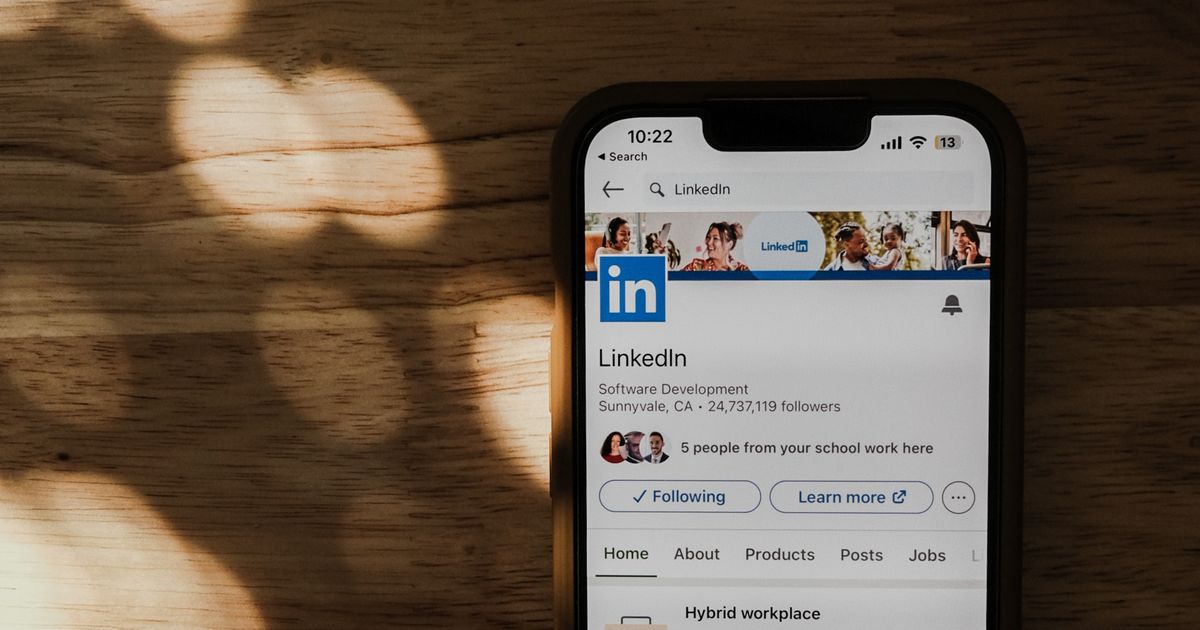
A good job search throws a lot of promising roles at you at once, and it is easy to lose a great listing because you saw it on your phone during a commute and never found it again. LinkedIn’s saved jobs feature solves that. It lets you bookmark any role in one tap and come back to it when you have time to apply properly. This short guide shows you exactly how to save a job, where to find your saved jobs on desktop and mobile, and how to use the list so it actually shortens your search rather than becoming a graveyard of good intentions.
How to save a job on LinkedIn
Saving a role takes one tap. On any job listing, look for the Save button near the top (next to Apply), or the bookmark icon on mobile, and tap it. LinkedIn confirms the job is saved and it is added to your list instantly. You can save a job from the search results, the listing itself, or a role LinkedIn recommends to you. There is no limit that will get in the way of a normal search, so save anything that looks like a fit and sort it out later.
Where to find your saved jobs
| Device | Where to look |
|---|---|
| Desktop | Click Jobs in the top menu, then My jobs in the left panel; open the Saved tab |
| Mobile app | Tap Jobs, then the bookmark icon (or “My jobs”) at the top; open Saved |
| Applied jobs | Same “My jobs” area has an Applied tab so you can track what you have submitted |
Saving a job is a to-do, not a done. The value is in coming back and applying deliberately.
How to use saved jobs well (5 steps)
Save generously as you browse
When a role catches your eye, save it in one tap instead of trying to read it fully right then. You can evaluate the whole batch later.
Do: save on the spot so you never lose a good listing
Review your saved list on a schedule
Set aside time every day or two to open “My jobs” and work through your saved roles while they are still open.
Do: a short daily review beats a weekly scramble
Compare and shortlist
Use the list to compare roles side by side and prioritise the best fits, rather than applying to everything in a rush.
Do: rank saved roles by fit and closing date
Tailor your resume before you apply
For each shortlisted role, mirror the posting’s keywords in your resume. Test it with our free ATS resume checker before you submit.
Do: match the resume to each job, not one resume for all
Watch for expiring postings
LinkedIn flags roles that are closing soon and may notify you. Applying early, before a posting fills, meaningfully improves your odds.
Do: clear closing-soon saved roles first
Saved jobs, job alerts, and following companies
Saved jobs are one of three tracking tools LinkedIn gives you, and they work best together. Think of them as three different jobs. Saved jobs are for roles you have already found and want to act on, your active shortlist. Job alerts are for roles you have not found yet: you tell LinkedIn the titles and locations you want, and it notifies you the moment a match is posted, so you can save and apply early. Following a company is for the longer game: you see their updates and new roles in your feed, which is useful when you have a handful of dream employers you would move for.
| Tool | Best for |
|---|---|
| Saved jobs | Roles you have found and plan to apply to soon |
| Job alerts | Catching brand-new roles for your target titles the day they post |
| Following companies | Staying close to a few dream employers over time |
Set up all three and your search stops depending on memory or luck. Alerts feed your saved list, your saved list drives your applications, and the companies you follow keep the best opportunities in view. It is a simple system, and it is the difference between chasing listings and having them come to you.
Turn saved jobs into interviews
A keyword-optimized profile and resume get your applications seen. See how our LinkedIn profile writing service positions you for the roles you save.
Frequently asked questions
Does saving a job on LinkedIn notify the employer?
No. Saving a job is private. The employer is not notified and cannot see that you saved their role. Only applying sends your information to them.
Why did a saved job disappear from my list?
Saved jobs are removed when the posting is taken down or expires. That is why it pays to review your saved list regularly and apply before roles close.
How do I make my saved applications count?
Apply with an optimized profile and a tailored resume. Get your profile right with our optimization guide, and build the wider search around it with our LinkedIn job search guide.
 By uploading my resume, I agree to the